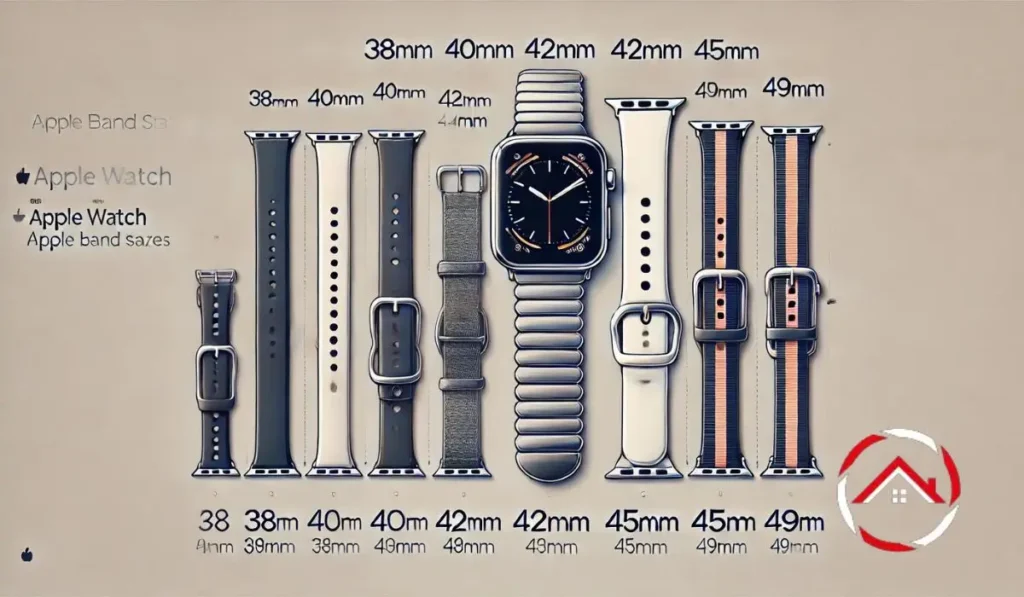
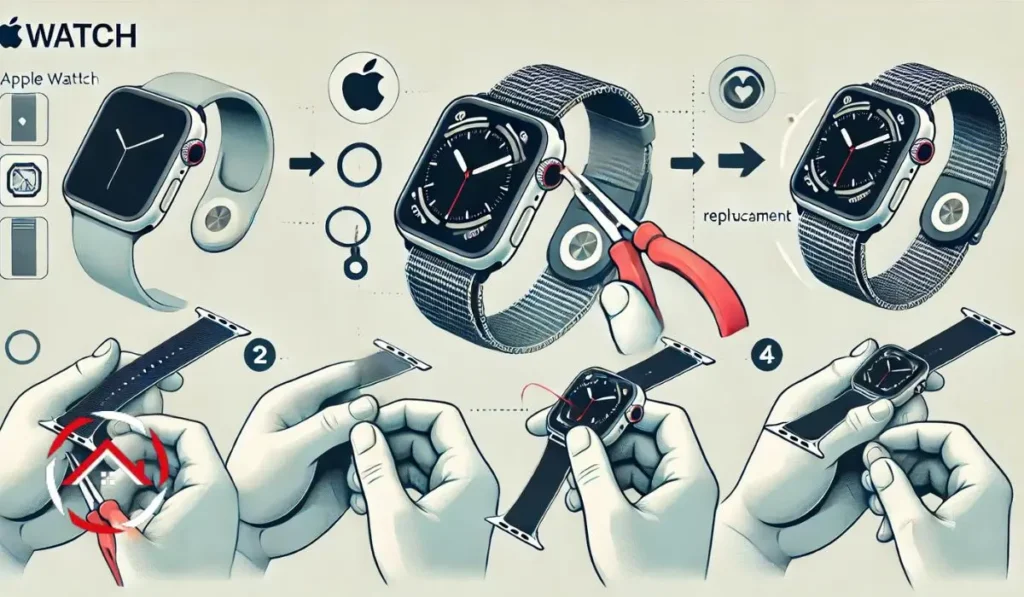
Smart devices from Apple, Samsung, and LG offer seamless integration and innovative features. Apple’s lineup includes the iPhone, Apple Watch, Apple TV, AirTag, AirPods, and Mac. Samsung offers Smart TVs, phones, and smartwatches. LG focuses on advanced Smart TVs, providing high-quality displays and user-friendly features for enhanced entertainment experiences.
Key Takeaways Introduction Changing your iPhone’s ringtone can make your device feel more personalized and unique. Whether you want to use a song, sound ...
Key Takeaways Managing your iPhone subscriptions is simple and quick. Here’s how you can stay on top of your subscriptions: Stay organized by reviewing ...
I was tired of juggling different streaming devices. Some were slow, others had clunky menus, and none felt right. I wanted something smooth, fast, ...
Simple Mac guide for new and advanced users. Clear tips, tools, and fixes. Easy steps for hardware, settings, apps, and problems. Written for quick ...
I don’t like losing things, especially my photos, contacts, and messages. My Samsung phone holds everything—memories, work files, and important numbers. If I lose ...
Mac features and settings make your Mac easier, faster, and smoother to use. Small changes improve daily work, speed, and comfort without any fuss. ...
Mac hardware offers fast chips, strong displays, and long life. This guide explains models, repairs, upgrades, and fixes in clear words. It is easy ...
Android apps and connectivity features, including Spotify, AirPods, AirTags, and location sharing, can transform your device experience. This guide will help you set up ...
This article guides you through essential Android features and settings, helping you optimize your device for better performance and usability. Learn how to use ...
Learn how to master Android device operations like screenshots, retrieving messages, and factory resets. Discover key steps to take control of your Android phone ...
Learn how to optimize your Android device with easy tips on taking screenshots, clearing cache, and improving app connectivity. Get the most out of ...
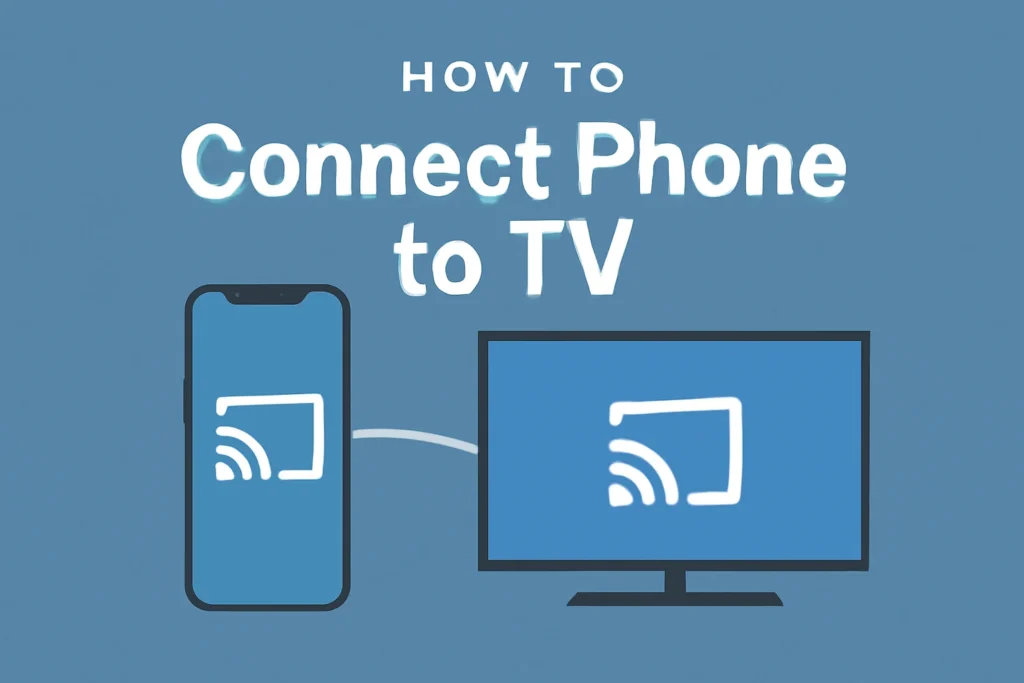
Learn how to easily connect your phone to your TV using wireless and wired methods like Bluetooth, HDMI, and USB. Stream your content effortlessly in just a few steps.
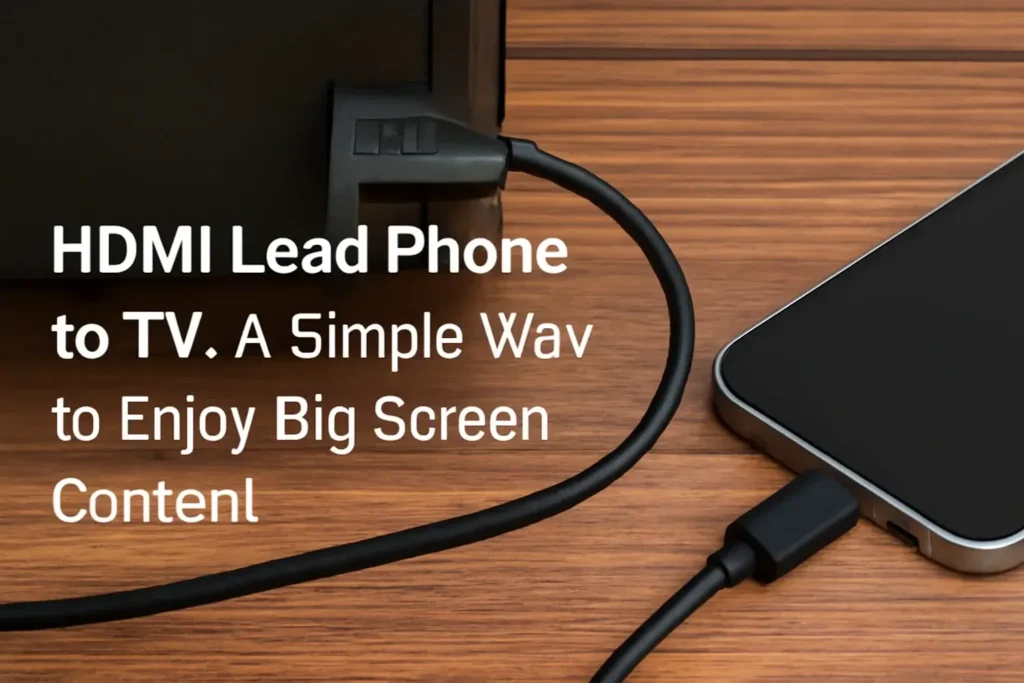
Learn how to connect your phone to your TV using an HDMI lead. This guide covers step-by-step instructions, troubleshooting tips, and alternate solutions for a smooth experience.
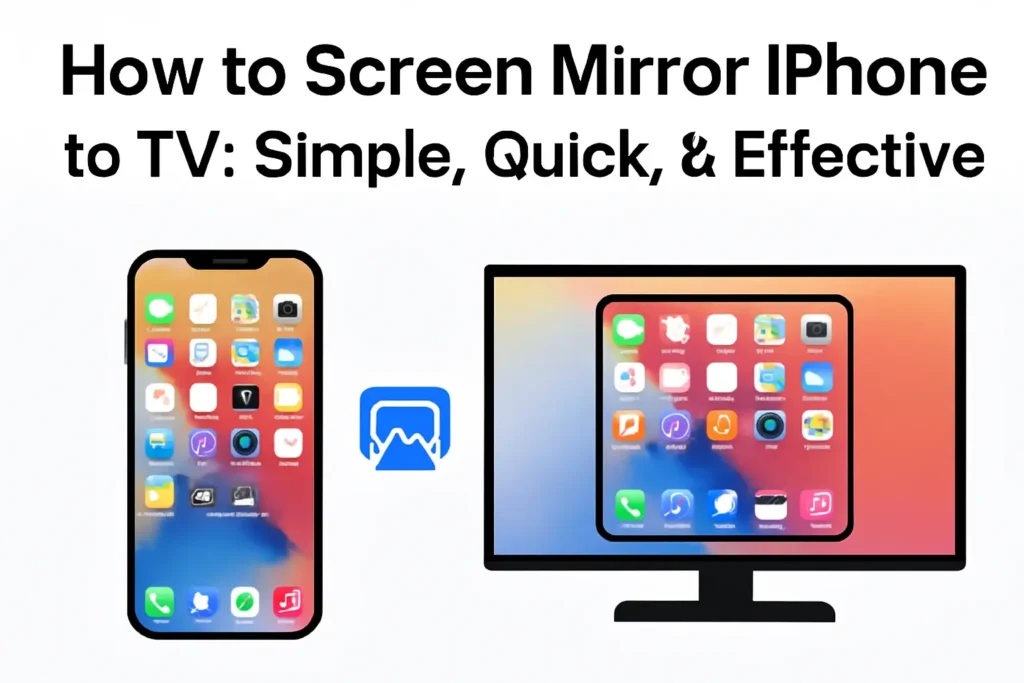
Learn how to screen mirror your iPhone to your TV using easy methods like AirPlay, Chromecast, third-party apps, or HDMI cables. Quick steps for smooth, lag-free streaming.