

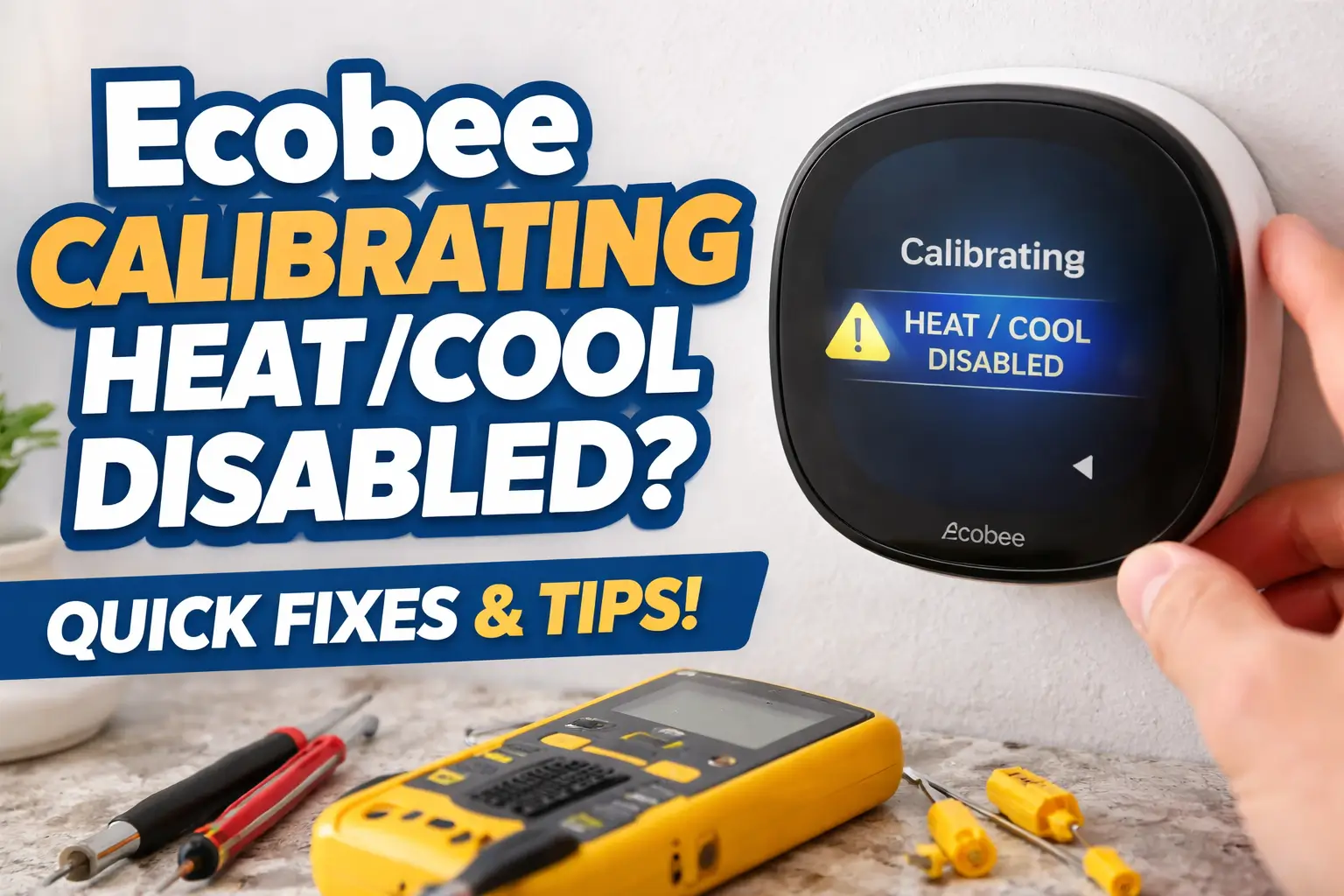
If you’re facing the dreaded “Ecobee Calibrating Heat Cool Disabled” message on your Ecobee thermostat, you’re not alone!
This common issue can leave you scratching your head, wondering if something is seriously wrong with your system.
In reality, it’s usually a sign that your thermostat is simply adjusting to changes or undergoing updates.
But don’t worry – there are several ways to troubleshoot and fix the issue. Let’s walk through what might be causing it and how you can fix it.
Table of Contents
What Causes the “Ecobee Calibrating Heat Cool Disabled” Message?
There are a few different reasons why you might see this message. Let’s break it down:
1. Firmware Updates
One of the most common causes of this issue is a pending firmware update. Ecobee thermostats periodically need to update their software, which can cause temporary calibration delays. If you need more information on updating your Ecobee system, check out this post on Why Is My Ecobee Temperature Wrong?.
2. Connection Issues
Loose wiring or poor connections in the HVAC system can trigger the “heat/cool disabled” message. If the thermostat can’t get a clear reading from the system, it may enter a calibration state.
3. Sensor Malfunctions
Sensors that monitor temperature, humidity, or airflow may be malfunctioning or have come loose, leading to calibration errors. If you are experiencing sensor issues, refer to How to Fix Ecobee Sensor Unavailable for further troubleshooting.
4. HVAC System Problems
Your heating or cooling system may not be communicating properly with the thermostat. A stuck valve, compressor issue, or electrical malfunction could contribute to the problem.
Step-by-Step Troubleshooting Guide to Fix Ecobee Calibration Problems
Okay, let’s get into the fun part – fixing it! Here’s how you can troubleshoot the “Heat Cool Disabled” error step by step:
1. Wait for Calibration to Finish
Yes, this sounds simple, but sometimes, patience is key. The calibration process usually takes 10–30 minutes. If you’ve just turned on your thermostat, give it time to finish its process.
This step sounds obvious, but many users find success just by waiting. If the calibration is still stuck after this time, continue to the next step.
2. Check for Error Codes
Look for any error codes that pop up on your screen. Common ones like E1 or E2 typically mean issues with the sensor or thermostat’s internal settings.
If you see one, check your Ecobee’s manual or the app for specific fixes related to that error code. If no error code appears, proceed to reboot.
3. Reboot Your Ecobee
Here’s a quick fix that works surprisingly well: reboot your thermostat. Power it off, wait for 10–15 seconds, and then turn it back on.
This “power cycle” can reset the internal software and clear any minor glitches. It’s like giving your thermostat a little nap! You can find a full guide on how to restart your Ecobee thermostat in How to Restart Ecobee Thermostat.
4. Inspect the HVAC System
If you’re still seeing the error, it might be time to check the wiring. Is everything connected securely? Check if any wires are loose or if any sensors appear disconnected. Loose wiring can easily throw off the system’s ability to calibrate.
5. Update Your Ecobee Firmware
Sometimes, a simple update is all it takes to get everything running smoothly again. Open the Ecobee app, check for any available firmware updates, and install them. If your thermostat is out of date, this could be causing the delay.
Updating ensures that your thermostat is working with the latest bug fixes and features. Check out our guide on Ecobee vs Nest: My Honest Take on the Best Smart Thermostat for further insights on firmware updates and thermostat performance.
6. Contact Ecobee Support
If none of the above steps work, don’t panic. It’s time to reach out to Ecobee’s customer support. They can help guide you through advanced troubleshooting or schedule a technician visit if needed.
Ecobee vs Other Smart Thermostats: A Quick Comparison
If you’re curious how Ecobee stacks up against other smart thermostats, here’s a quick look:
| Thermostat | Calibration Process | Common Issues | Solution |
|---|---|---|---|
| Ecobee | 10–30 minutes | Calibration delays, loose sensors | Reboot, check wiring, update firmware |
| Nest | 10–15 minutes | Calibration failure, Wi-Fi issues | Reset to factory settings, reconnect Wi-Fi |
| Honeywell | 10 minutes | Sensors misaligned, display freeze | Manual recalibration, replace sensor |
Why Waiting for Calibration is Crucial
It can be frustrating, but the waiting time is essential. Many Ecobee users report success simply by allowing the calibration to finish naturally.
Interrupting the process may result in the thermostat not properly adjusting, causing errors to persist. Think of it like your thermostat needing to “learn” your home’s temperature and conditions — that takes time!
Is It Safe to Interrupt Calibration?
Interrupting calibration is generally not a good idea. Sure, it may seem like a way to “speed things up,” but stopping the process can lead to longer delays or even system errors.
You might end up stuck in a loop, forcing you to restart the device or, in the worst case, contact customer service. So, let it finish, and you’ll likely avoid headaches down the road.
When Should You Call a Professional HVAC Technician?
Most Ecobee issues can be resolved with the steps above, but there are times when a professional might be needed:
- Persistent calibration issues that won’t resolve after trying multiple troubleshooting steps.
- HVAC system malfunctions that require more advanced repairs, like compressor issues, ductwork problems, or wiring faults.
An HVAC technician can inspect your system to ensure that everything is running as it should be. If you’re unsure how to handle issues related to your HVAC system, check out our post on How to Fix Ecobee Is Not Turning on AC.
Conclusion: Calibrating Ecobee and Fixing Heat Cool Disabled Issues
To sum it up: don’t panic! Start with the basics like waiting for calibration to finish, check for error codes, and reboot your thermostat.
Make sure the HVAC system is properly connected and updated. And if that doesn’t work, Ecobee’s customer support is just a call away.
Need help with your Ecobee? Follow the steps above, and if the problem persists, get in touch with Ecobee support for a more thorough fix.
Frequently Asked Questions (FAQs)
Why does my Ecobee take so long to calibrate?
Calibration times can vary based on your home’s specific needs. It might take longer if updates are being installed or if sensors need adjustments.
Can I override the calibration process?
No, interrupting calibration isn’t advised. Let it finish to avoid errors.
How often should I update my Ecobee thermostat?
Check for updates every few weeks or as soon as you experience any issues.
What’s the best way to clean the sensors?
Use a soft, dry cloth to gently wipe the sensors. Avoid cleaning fluids that might leave residue.
Can I prevent the “Heat Cool Disabled” message from happening again?
Regular maintenance and software updates will help keep your system in top shape.
Reputable Sources
- Ecobee Help Center. Troubleshooting Calibration Issues
Date: 2026, January