

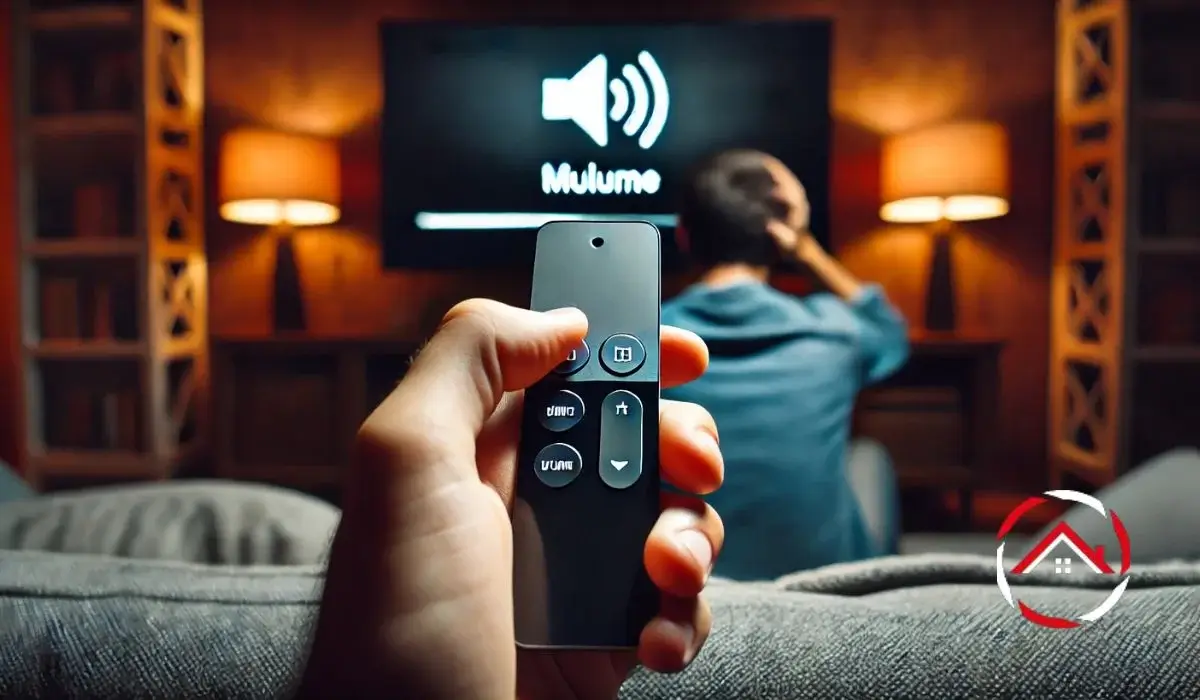
If your Apple TV remote scrolls and opens apps but won’t change the volume, the remote is probably not broken.
Navigation works.
Apps open.
But the volume buttons do nothing.
This usually happens because volume control works differently than navigation.
Navigation uses Bluetooth.
Volume uses HDMI-CEC or Infrared (IR).
That difference is why scrolling works while volume fails.
If you want a full overview of how everything connects and works together, read our complete guide to Apple TV.
If you’re using a newer device, the Apple TV 4K has small setup differences that can affect how volume control behaves.
And if you’re using the newer aluminum remote, this guide to the Apple TV 4K remote explains how its buttons and controls work.
Now let’s fix the issue step by step on volume not working on Apple TV remote.
Table of Contents
First: Identify Your Setup
Before troubleshooting, ask:
Do you use:
- TV speakers?
- A soundbar?
- An AV receiver?
The fix depends on this.
- TV speakers → Usually HDMI-CEC issue
- Soundbar/receiver → Often IR learning or HDMI routing
Now follow this exact fix order.
Quick Fix Order (Follow This Exactly)
- Restart Apple TV
- Reset the remote
- Enable HDMI-CEC (on TV and Apple TV)
- Charge the remote
- Relearn IR (if using soundbar/receiver)
- Power cycle all devices
- Try a different HDMI port or cable
Most people fix the problem by step 3.
1. Restart Apple TV (Resets HDMI Handshake)
Go to:
Settings → System → Restart
This refreshes the HDMI connection between your TV and Apple TV.
CEC communication can sometimes freeze. A restart often restores it.
After restarting, wait about 30 seconds before testing volume.
If apps feel frozen or stuck while you’re troubleshooting, here’s how to close apps on Apple TV properly.
2. Reset the Apple TV Remote (Re-Pair Bluetooth)
For newer aluminum Siri Remotes:
Hold the TV button + Volume Down for 5 seconds.
Wait for the pairing message.
It can take up to 10 seconds.
This refreshes Bluetooth pairing and restores communication.
If you want detailed instructions with button visuals, follow this step-by-step guide on how to reset your Apple TV remote.
3. Enable HDMI-CEC (Most Common Fix)
HDMI-CEC allows devices to control each other through the HDMI cable.
If this is off, volume will not work.
Step A: Turn It On in Apple TV
Go to:
Settings → Remotes and Devices → Control TVs and Receivers → Turn On
Test volume.
Step B: Turn It On in Your TV
CEC has different names depending on brand:
- Samsung – Anynet+
- LG – Simplink
- Sony – Bravia Sync
- Panasonic – Viera Link
You’ll usually find it under:
Settings → General → External Devices or HDMI Settings
TV updates sometimes turn this setting off automatically. Turn it back on and test again.
4. Check the Remote Battery
Go to:
Settings → Remotes and Devices → Remote
Low battery can cause inconsistent button behavior. Navigation may still work while volume fails.
Charge the remote fully and test again.
If you’re using the newer aluminum model, the Apple TV 4K remote charges with USB-C and usually takes about 2–3 hours to reach full battery.
5. If You Use a Soundbar or Receiver
If your volume runs through a soundbar or AV receiver, Apple TV may use IR instead of CEC.
Go to:
Settings → Remotes and Devices → Volume Control → Learn New Device
Follow the on-screen instructions.
Important:
- Nothing should block the front of the remote
- IR requires line-of-sight
- If you recently switched HDMI ports, routing may have changed
This step fixes many soundbar volume issues.
6. Power Cycle Everything (Fixes CEC Glitches)
Unplug:
- TV
- Apple TV
- Soundbar/Receiver
Wait 60 seconds.
Plug them back in this order:
- TV
- Soundbar/Receiver
- Apple TV
This restores proper HDMI-CEC communication.
7. Try a Different HDMI Port or Cable
A faulty HDMI cable can block CEC signals.
If volume stopped working after:
- Moving cables
- Rearranging devices
- Switching HDMI ports
Try:
- A different HDMI port
- A high-quality HDMI cable
Small hardware changes often solve CEC problems.
Understanding Why This Happens
Here’s how control methods differ:
| Function | Technology | Common Issue |
|---|---|---|
| Navigation | Bluetooth | Pairing issue |
| TV Volume | HDMI-CEC | Disabled in TV or Apple TV |
| Soundbar Volume | IR | Blocked signal |
| Receiver Volume | CEC or IR | HDMI routing problem |
The Apple TV remote can use Bluetooth and IR at the same time. That’s why scrolling may work even when volume does not.
When It Might Be Hardware
Hardware problems are rare.
Possible signs:
- No pairing message after reset
- Buttons feel physically stuck
- Remote does not respond at all
In that case, contact Apple Support.
But in most situations, the issue is just a setting.
Common Triggers
Volume often stops working after:
- TV firmware update
- Changing HDMI port
- Adding a soundbar
- Moving cables
- Rearranging devices
- Remote battery running low
These situations interrupt HDMI-CEC communication.
Still Not Working?
Follow this order again:
- Restart Apple TV
- Reset remote
- Enable CEC (TV + Apple TV)
- Charge remote
- Relearn IR
- Power cycle devices
- Try different HDMI port
- Replace HDMI cable
If none of these steps fix it, contact Apple Support.
Conclusion: Fix It Without Buying a New Remote
Most Apple TV remote volume problems happen because HDMI-CEC is disabled, IR is not configured properly, or the remote battery is low.
The remote is rarely broken.
Restart the system.
Reset the remote.
Turn on CEC.
Charge the battery.
In most cases, volume control returns in minutes.
Do not replace the remote too quickly. Work through the checklist carefully and you will likely restore full control.
Frequently Asked Questions:
Does Apple TV remote control power and volume the same way?
No. Power and volume may use different control methods (CEC or IR).
Does Wi-Fi affect volume control?
No. Volume does not use Wi-Fi.
Can factory reset fix volume issues?
Yes, but use it only as a last resort.
Can a bad HDMI cable cause this?
Yes. A damaged cable can block CEC signals.
Reputable Sources:
Apple Support. If the volume buttons on your Apple TV remote aren’t working