
Mac Air M4 Power and Performance Guide for Everyday Efficiency
I’ve been waiting for the Mac Air M4. I’ve used the M2 and checked out the M3, but I didn’t upgrade. I wanted more ...
Read more
How to Remove Pop-Up Blocker on Mac Quickly and Safely
I was trying to print a boarding pass, but the page wouldn’t load right. A message popped up—“pop-up blocked.” I didn’t think much of ...
Read more
Start Mac in Recovery Mode Using Simple Step-by-Step Guide
My Mac wouldn’t start like it normally does. The screen just stayed black, and I began to worry. I use my MacBook Air every ...
Read more
MacBook Will Not Turn On Fixes for Fast, Reliable Troubleshooting
One morning, my MacBook didn’t turn on. I pressed the power button. Nothing happened. I plugged it in, but the screen stayed black. I ...
Read more
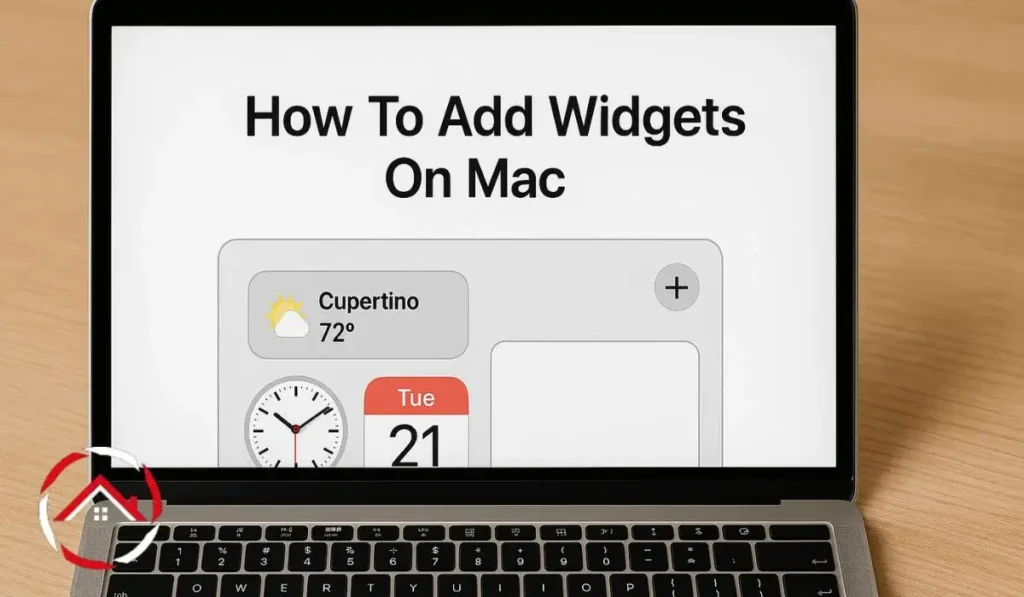
How to Add Widgets on Mac to Stay Focused and Organized
I use my MacBook every day. It helps me work, stay on track, and keep things organized. One thing I really like is using ...
Read more
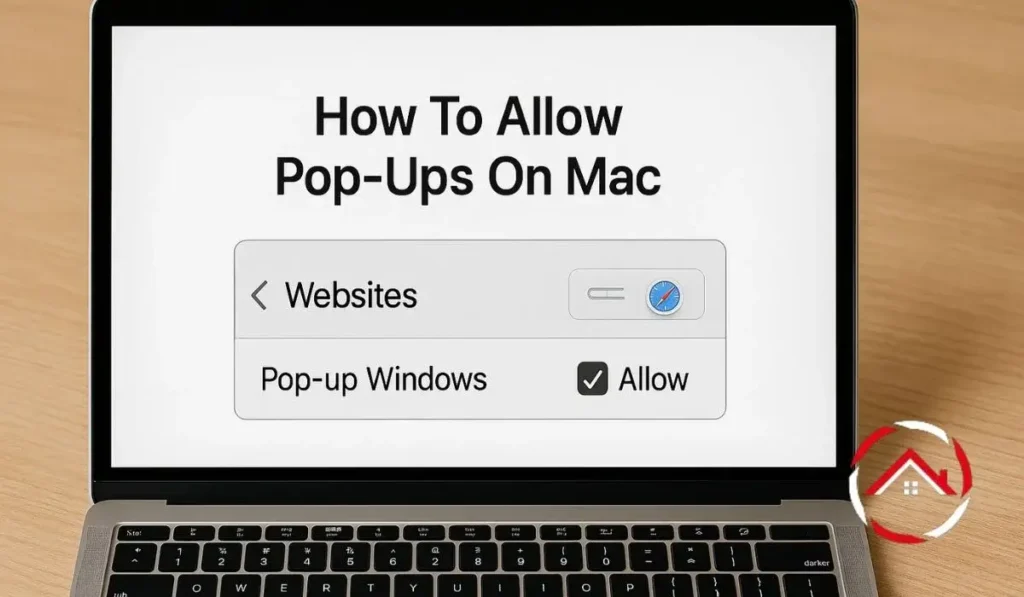
How to Allow Pop-Ups on Mac Through Quick Browser Settings
I remember trying to pay a bill online and nothing happened when I clicked the button. No error, no message—just silence. I didn’t realize ...
Read more
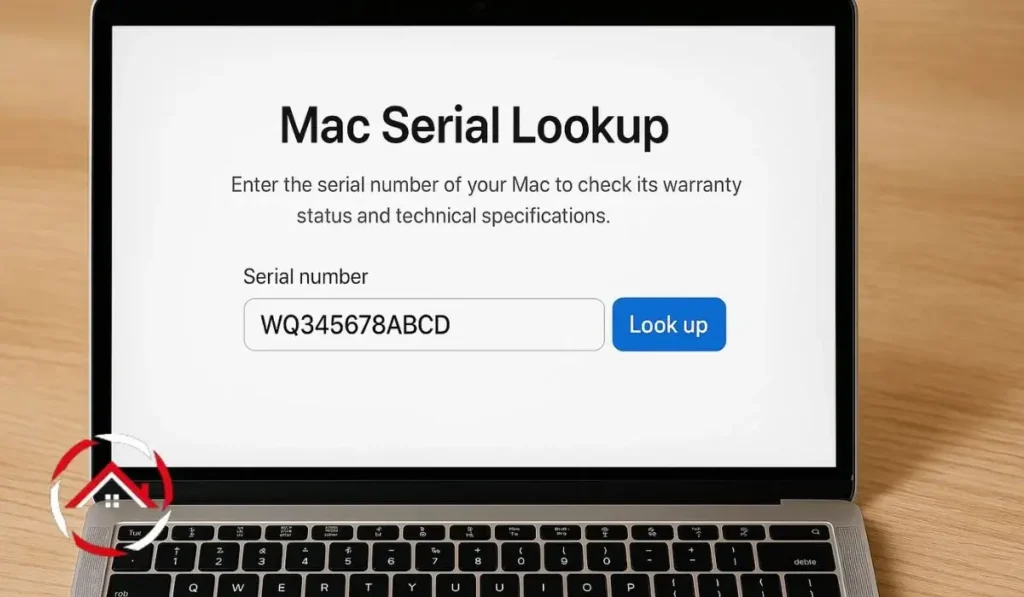
Mac Serial Lookup: Quickly Check Your Mac’s Details
I bought my Mac a while ago and recently needed to check its specs. I had no idea where to start. Someone asked me ...
Read more
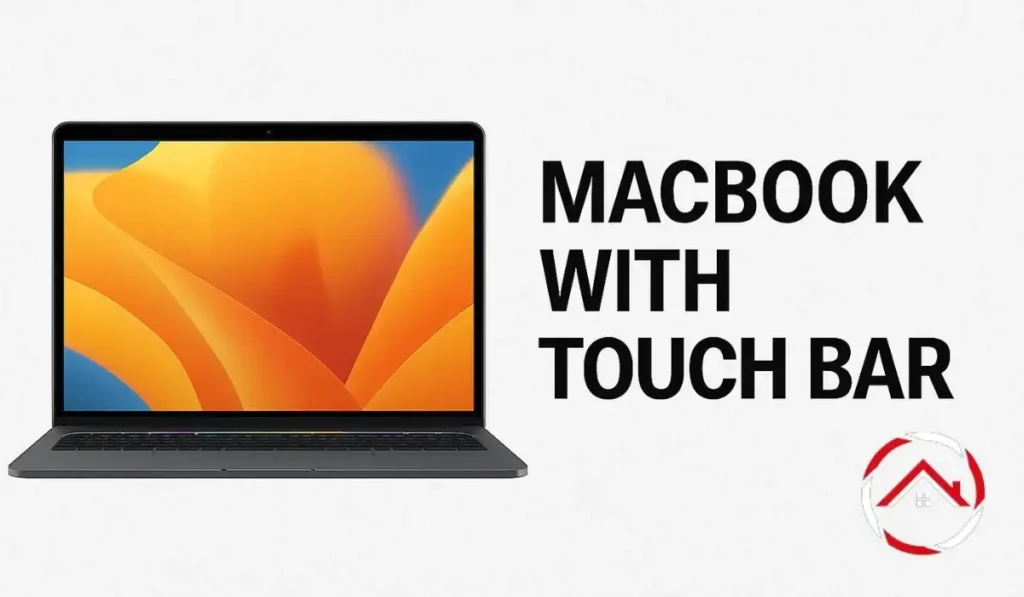
MacBook with Touch Bar Features for Smarter, More Dynamic Control
I needed a new laptop. Something fast, light, and good for work. I’ve always used Apple products, so the MacBook was an easy choice. ...
Read more