

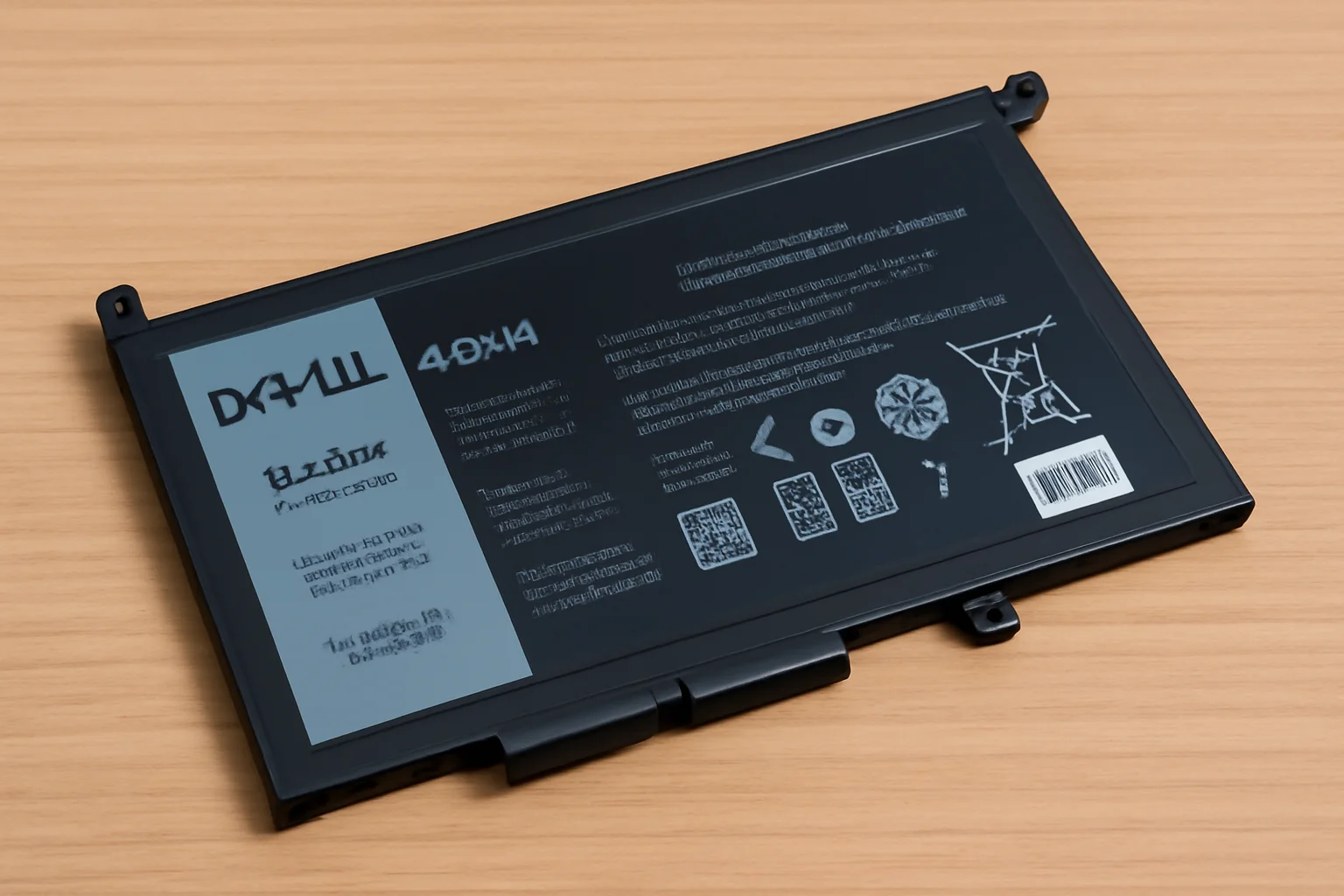
This guide explores Dell laptop battery types, signs of wear, and how to find the right replacement, ensuring optimal performance and longevity.
Key Takeaways
When it comes to replacing your Dell laptop battery, understanding your options is crucial. Here’s a quick breakdown:
- Battery Types: Lithium-ion, 40Wh, and 56Wh batteries offer different power and lifespan.
- Signs for Replacement: Short battery life, overheating, and charging issues.
- Finding the Right Model: Always match the battery type with your Dell laptop model.
- Battery Price Range: Expect $30 to $100 depending on capacity.
- Genuine Chargers: Use authentic chargers to avoid overheating and slow charging.
Understanding these factors ensures your Dell laptop runs efficiently for years.
Introduction
Are you facing issues with your Dell laptop battery? Over time, batteries lose their ability to hold charge, leading to shorter usage periods and poor performance.
Knowing the right battery type, how to replace it, and where to buy it can save you both time and money.
This guide will help you navigate the world of Dell laptop batteries, from identifying the type you need to finding the best deals for replacements.
Read more: Dell Laptop Troubleshooting: How to Fix Problems Fast
Table of Contents
A Personal Story: Helping a Friend Find the Right Dell Laptop Battery
A friend’s Dell Inspiron 15 laptop was draining its battery too quickly. After doing some quick research, I helped them find a 40Wh replacement battery from a reputable online retailer.
The new battery worked perfectly, and their laptop lasted much longer on a single charge, which was a huge relief for them.
Read More: Dell Laptop Guide: Fix, Power, and Use Like a Pro
The Key to Your Dell Laptop’s Longevity: Understanding the Battery Type
When I first started using my Dell laptop, I quickly realized that the battery plays a huge role in performance. Knowing the right battery type for your model can save you time and money.
Battery Types:
- Lithium-ion (Li-ion): The most common battery type used in Dell laptops. They offer long-lasting power and faster charging.
- 40Wh Batteries: Ideal for daily users. It provides a decent balance between power and longevity.
- 56Wh Batteries: More power for those who need their laptop to last longer, especially for gaming or heavy tasks.
Importance of Matching the Battery Type:
- Ensure you’re using the battery that’s compatible with your Dell laptop model.
- Using the wrong battery can cause performance issues and might damage the laptop.
Why You Might Need a Dell Laptop Battery Replacement
Over time, I noticed signs that my Dell laptop’s battery was nearing the end of its life. These are clear signals that replacement might be needed.
Common Signs:
- Short battery life: Your laptop doesn’t last as long on a single charge.
- Overheating or swelling: The battery might feel hot or swollen, which is a major safety concern.
- Charging issues: If your laptop isn’t charging or stops charging at a certain percentage, it’s a sign of a failing battery.
How Long Do Dell Laptop Batteries Last?
A typical Dell laptop battery lasts between 2-4 years, depending on usage. Factors like frequent charging, high-performance use, or leaving it plugged in all the time can shorten its lifespan.
Things to Consider Before Replacing:
- Warranty: Check if your battery is still under warranty.
- Model Compatibility: Always ensure the replacement is compatible with your laptop.
Pro Tip: Check Battery Compatibility
Before purchasing a replacement, always check the specifications of your current battery. Using the wrong battery can harm your laptop or significantly reduce its performance.
Expert Quote
Replacing your Dell laptop battery with the correct type can extend its lifespan and improve performance dramatically.
– Tech Specialist, BatteryCare.
Finding the Right Dell Laptop Battery for Your Model (Inspiron 15)
I’ve had to replace the battery on my Dell Inspiron 15, and it wasn’t as hard as I thought. Let me guide you on finding the right one.
Dell Inspiron 15 Battery Specifics:
- The Dell Inspiron 15 uses a 40Wh or 56Wh battery, depending on the model and configuration.
- Capacity: The 40Wh is more common and is sufficient for regular tasks. The 56Wh is for longer battery life.
How to Identify the Battery Model for Inspiron 15:
- Check Your Laptop’s Manual: Your Dell laptop’s manual will usually specify the compatible battery model.
- Battery Label: You can find the battery model number on the side or bottom of the battery itself.
Tips for Ensuring You’re Purchasing the Correct Battery:
- Avoid Third-Party Batteries: While tempting, they may not work well with your Dell laptop.
- Visit Dell’s Official Website: Buy directly from Dell to ensure authenticity.
- Check the Voltage: Ensure the voltage matches the original battery.
Dell Laptop Battery Price: What to Expect
When I was looking for a new battery for my Dell laptop, I quickly realized that prices can vary quite a bit. Knowing what to expect can help you make a better purchase.
Average Price Range:
- 40Wh Batteries: Generally range from $30 to $50.
- 56Wh Batteries: Can cost between $60 to $100 depending on the model.
Factors Affecting Cost:
- Battery Capacity: Higher-capacity batteries, like the 56Wh, tend to be more expensive.
- Model: Newer Dell models may require more specialized batteries, increasing the price.
- Supplier: Official Dell stores tend to have higher prices, while third-party retailers may offer discounts.
Finding the Best Deals:
- Look for Discounts: Keep an eye on sales and offers from trusted retailers.
- Avoid Cheap Imitations: Ensure the quality of the battery by buying from reliable sources.
- Check Warranty: Sometimes, paying a little more for a warranty is worth it.
Dell Laptop Battery Price Range
| Battery Type | Price Range | Typical Use Case |
|---|---|---|
| 40Wh Battery | $30 – $50 | Everyday tasks, light usage |
| 56Wh Battery | $60 – $100 | Heavy tasks, gaming, power users |
What You Need to Know About Dell Laptop Battery Chargers
When I had issues with my Dell laptop charger, I learned how important it is to use the right one. Here’s what I discovered.
Types of Dell Laptop Battery Chargers:
- Standard Chargers: The basic charger that comes with your laptop, typically sufficient for most users.
- Fast Chargers: These chargers can charge your battery much quicker, ideal if you need a quick power-up.
Importance of Using a Genuine Charger:
- Compatibility: A genuine charger ensures that your battery receives the correct voltage.
- Safety: Avoids potential damage to the battery or laptop from incompatible charging.
Common Issues with Third-Party Chargers:
- Overheating: Non-genuine chargers can cause your laptop to overheat.
- Slow Charging: They might not provide the proper power output, resulting in slow charging.
Where to Find the Best Dell Laptop Battery Charger:
- Dell Official Store: For guaranteed compatibility and performance.
- Certified Retailers: Choose authorized sellers to ensure you’re getting an authentic product.
Finding Dell Laptop Battery Deals: Amazon and Other Options
Finding the right Dell laptop battery can be a hassle, but I’ve found Amazon to be a convenient option. It’s easy to compare prices and reviews, which helps when making a purchase.
Searching for Original Dell Batteries:
- Use Specific Model Numbers: Search for your exact laptop model to find the compatible battery.
- Look for Verified Sellers: Make sure the seller has good ratings to avoid counterfeit products.
Tips for Comparing Prices:
- Read Reviews: Pay attention to customer feedback, especially regarding battery performance.
- Check Seller Ratings: High ratings usually indicate a trustworthy seller.
- Look for Discounts: Search for deals and promotions, especially during sale seasons.
Dell Laptop Battery 40Wh: A Smart Choice for Everyday Use
When I needed a new battery for my daily use, I opted for the Dell 40Wh battery, and it turned out to be a great choice.
Overview of the Dell 40Wh Battery:
- The 40Wh battery is commonly used in mid-range Dell laptops, like the Inspiron 15.
- It provides a balance of power and efficiency for everyday tasks.
Benefits for Daily Users:
- Long-lasting Power: Perfect for daily browsing, office tasks, and light media usage.
- Affordable: It’s generally more affordable compared to higher-capacity batteries.
Impact on Performance, Charging, and Battery Life:
- Reliable Battery Life: Lasts through a full workday with normal usage, making it ideal for professionals and students.
- Better Performance: Provides enough power for smooth operation without overloading your system.
- Efficient Charging: Charges relatively fast, especially if you use the original Dell charger.
Conclusion: Find the Right Battery for Maximum Performance
For your Dell laptop to perform at its best, replacing the battery with the correct model is crucial. Keep an eye on battery health and be proactive about replacement.
Don’t wait until it’s too late. Invest in quality, and your laptop will thank you. Shop now for the best deals on Dell laptop batteries.
Frequently Asked Questions
How do I know if my Dell laptop battery needs replacing?
Look for signs like short battery life, overheating, or charging problems. If these persist, it may be time for a replacement.
Can I use third-party Dell laptop batteries?
While third-party batteries are available, they may not provide the same performance or safety as genuine Dell batteries. Always check compatibility.
Where can I buy a Dell laptop battery?
Dell’s official website or trusted retailers like Amazon offer reliable options for authentic replacement batteries.
Citations:
dell.com/support. Check Laptop Battery Health: Test Battery Condition on Windows