

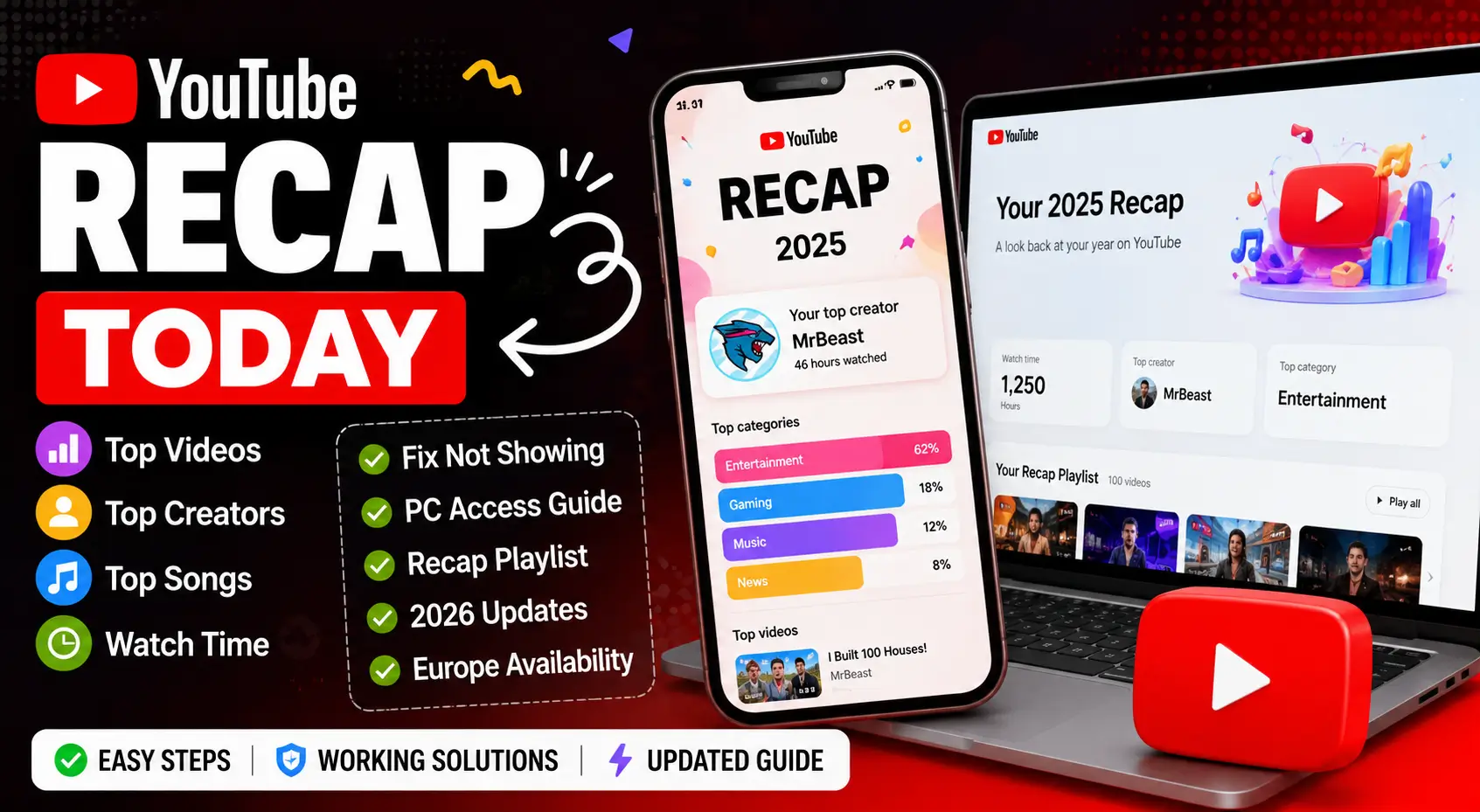
YouTube Recap helps users discover their most-watched videos, favorite creators, top songs, and yearly viewing habits in one personalized summary.
Every year, millions of users wait for this feature to see how their watching trends changed over time.
Sometimes the recap appears instantly, while other users face loading problems, missing playlists, or regional restrictions.
In this guide, you will learn how YouTube Recap works, how to find it on mobile and PC, and how to fix common issues quickly.
The article also explains playlist features, Europe availability, and useful troubleshooting tips using simple language that beginners can easily understand.
Table of Contents
What Is YouTube Recap?
YouTube Recap gives you a yearly summary of your viewing activity on YouTube and YouTube Music.
It works like Spotify Wrapped. You can see:
- Top creators
- Most-played songs
- Favorite video categories
- Watch time trends
- Personalized playlists
- Listening habits
Many users search for YouTube Recap 2026, YouTube Recap playlist, and YouTube Recap Europe because the feature changes slightly by region and device.
| Feature | Details |
|---|---|
| Available On | Mobile app and PC |
| Main Platforms | YouTube and YouTube Music |
| Playlist Included | Yes |
| Personalized Stats | Yes |
| Region Availability | Limited in some countries |
| Difficulty Level | Easy |
| Time Required | 2–5 minutes |
How To Find YouTube Recap Today
You can usually find your recap inside the YouTube or YouTube Music app.
Open YouTube Music App
The recap feature appears mostly inside YouTube Music.
Steps:
- Open YouTube Music
- Tap your profile picture
- Select “Your Recap”
- Wait for the recap to load
If available, your personalized stats and playlists will appear automatically.
Check The YouTube App
Some users also get recap cards in the regular YouTube app.
Look for:
- Banner notifications
- Personalized home feed cards
- Yearly recap alerts
- Playlist recommendations
Use YouTube Recap PC Version
YouTube Recap PC access works through the browser version of YouTube Music.
Go to:
- YouTube Music website
- Sign into your Google account
- Open your profile
- Look for “Recap”
Desktop users sometimes get delayed rollout compared to mobile users.
Why YouTube Recap Not Showing Happens
YouTube Recap not showing is one of the most common user complaints every year.
Several things can cause this issue.
You Do Not Have Enough Watch History
YouTube needs enough viewing data to create your recap.
If your watch history is paused or deleted often, the feature may not appear.
YouTube Watch History Is Disabled
Check if your history settings are enabled.
To fix it:
- Open Google Activity Controls
- Enable YouTube History
- Turn on app and web activity
- Restart the app
Without history tracking, recap cannot collect viewing habits.
The Feature Is Not Available In Your Region
YouTube Recap Europe availability can vary by country.
Some regions receive features later because of:
- Licensing rules
- Privacy laws
- Feature testing
- Gradual rollouts
The App Needs Updating
Older app versions can block recap features.
Fix this by:
- Updating YouTube
- Updating YouTube Music
- Restarting your phone
- Clearing cache files
Your Account Is A Brand Account
Recap works best on personal Google accounts.
Brand accounts may:
- Miss playlists
- Lose recommendations
- Skip yearly stats
Try switching to your main Google profile.
How To Fix YouTube Recap 2025 Not Showing
Many users searched for YouTube Recap 2025 not showing after rollout delays last year.
These fixes worked for most users.
Clear App Cache
Android:
- Open Settings
- Apps
- YouTube Music
- Storage
- Clear Cache
iPhone:
- Reinstall the app instead
Log Out And Back In
Refreshing your Google session can reload recap data.
This simple fix often solves missing playlists and loading errors.
Wait For Regional Rollout
YouTube sometimes releases recap features slowly across regions.
Europe and smaller countries may receive updates later than the US.
Check Multiple Devices
Try:
- Android phone
- iPhone
- PC browser
- Tablet
Sometimes recap appears on one device before another.
What Is Included In A YouTube Recap Playlist?
The YouTube Recap playlist collects your most-played songs and videos from the year.
It automatically updates when recap becomes available.
You may see:
- Top music tracks
- Favorite creators
- Most-watched genres
- Shorts recommendations
- Podcast activity
Some playlists stay saved permanently in your library.
YouTube Recap PC vs Mobile
Both versions offer similar features, but mobile usually gets updates first.
| Feature | Mobile | PC |
|---|---|---|
| Animated Recap Cards | Yes | Limited |
| Playlist Access | Yes | Yes |
| Story-Style Slides | Yes | No |
| Sharing Features | Yes | Limited |
| Faster Updates | Yes | Sometimes Delayed |
For the best experience, most users prefer the mobile app.
Common YouTube Recap Problems
Several technical problems can stop recap from loading correctly.
Recap Keeps Loading Forever
Try:
- Switching Wi-Fi networks
- Restarting device
- Clearing cache
- Updating app
Playlist Missing
This usually happens because:
- Watch history is disabled
- Music activity is too low
- Playlist generation failed
Wrong Statistics
Incorrect stats can happen if:
- Multiple people use the same account
- Shared devices affect recommendations
- History was deleted mid-year
Helpful Tips For Better YouTube Recap Results
These simple habits improve future recaps.
Keep Watch History Enabled
YouTube uses history to build accurate recommendations and yearly summaries.
Use One Main Account
Avoid switching between multiple Google accounts too often.
Watch Content Consistently
More activity creates better recap insights and playlists.
Update Apps Regularly
New recap features often require the newest app version.
Best Alternatives To YouTube Recap
Some users want deeper viewing statistics and analytics.
Popular alternatives include:
- Google activity dashboard
- Spotify Wrapped
- Last.fm music tracking
- Third-party YouTube analytics tools
These services may offer more detailed tracking and history reports.
Internal Resources You May Like
- Fix WiFi Problems Guide
- Smart TV Setup Tips
- Streaming Device Fixes
- Google Account Help
- YouTube App Errors
Frequently Asked Questions
Why is YouTube Recap not showing on my account?
Your watch history may be disabled or your app version may be outdated. Regional rollout delays can also hide recap temporarily.
Can I view YouTube Recap on PC?
Yes. Open YouTube Music in a browser and check your profile section for the recap option.
Does YouTube Recap work in Europe?
Yes, but some European countries receive features later because of privacy and licensing restrictions.
Is YouTube Recap different from YouTube Music Recap?
Yes. YouTube Music Recap focuses more on songs, artists, and listening habits than regular video activity.
Why is my YouTube Recap playlist missing?
Low activity, deleted history, or syncing problems may stop playlist generation. Logging out and back in often helps.
Will YouTube Recap 2026 include Shorts data?
YouTube may continue expanding recap features to include Shorts activity and creator engagement metrics.
Simple Ways To Enjoy Your YouTube Recap More
YouTube Recap today makes it fun to revisit your favorite creators, songs, and videos from the year.
If YouTube Recap not showing becomes a problem, simple fixes like updating apps, enabling history, and checking YouTube Recap PC access usually solve it quickly.
As YouTube Recap 2026 expands globally, users in Europe and other regions should expect better playlists, deeper stats, and smoother personalization features.
Citations
YouTube Feature Updates: YouTube Official Blog