
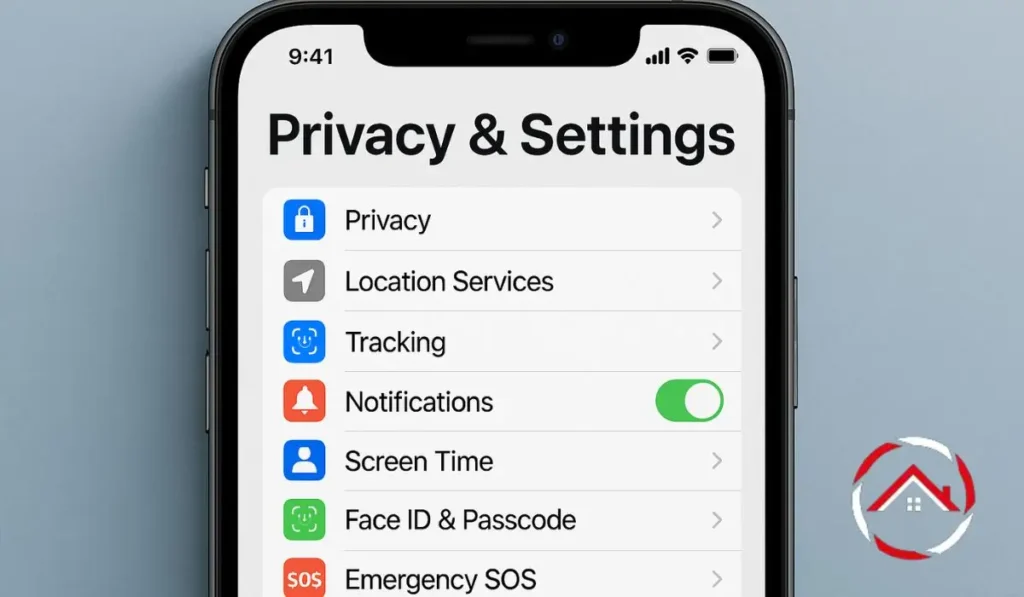
My Guide to iPhone Privacy & Settings for Ultimate Security
I’ve always been someone who values both convenience and security, especially when it comes to my iPhone. It’s packed with important information, so making ...
Read more

How to Hide Location on iPhone and Stay Private
Stop sharing your location on iPhone with these easy methods. Keep your privacy intact with this simple guide.
Read more

How To Turn Off Restrictions On iPhone and Regain Full Control
Turn off restrictions on iPhone in simple steps to regain full control over your apps and settings.
Read more

How to Turn Off Find My iPhone: A Simple Step-by-Step Guide
Quickly turn off Find My iPhone with our easy-to-follow, step-by-step guide.
Read more

How to Get Out of Incognito Mode on iPhone in 3 Easy Steps
Follow these easy steps to get out of Incognito Mode on iPhone and return to normal browsing.
Read more

How To Block Websites On IPhone and Stay Focused
Block distracting websites on your iPhone with simple steps using Screen Time or Refocus app for a more productive experience.
Read more

How to Send Voice Message on iPhone: Simple Step-by-Step Guide
Learn step-by-step how to send voice message on iPhone with iOS 17. Simple, fast, and clear guide.
Read more

How To Connect PS5 Controller To iPhone: Easy Step-by-Step Guide
Learn how to connect your PS5 controller to your iPhone easily using Bluetooth or USB-C in minutes.
Read more
How To Change IPhone Password for Better Security
Learn how to change your iPhone password fast. Secure your data and protect your privacy today.
Read more
How To Unhide Apps On IPhone?
Quick guide to unhide apps on iPhone using App Library and Settings. Works on all models.
Read more

How to Deactivate Facebook on iPhone Quickly and Easily
Learn how to deactivate Facebook on iPhone safely. Pause your account anytime and return when ready.
Read more