

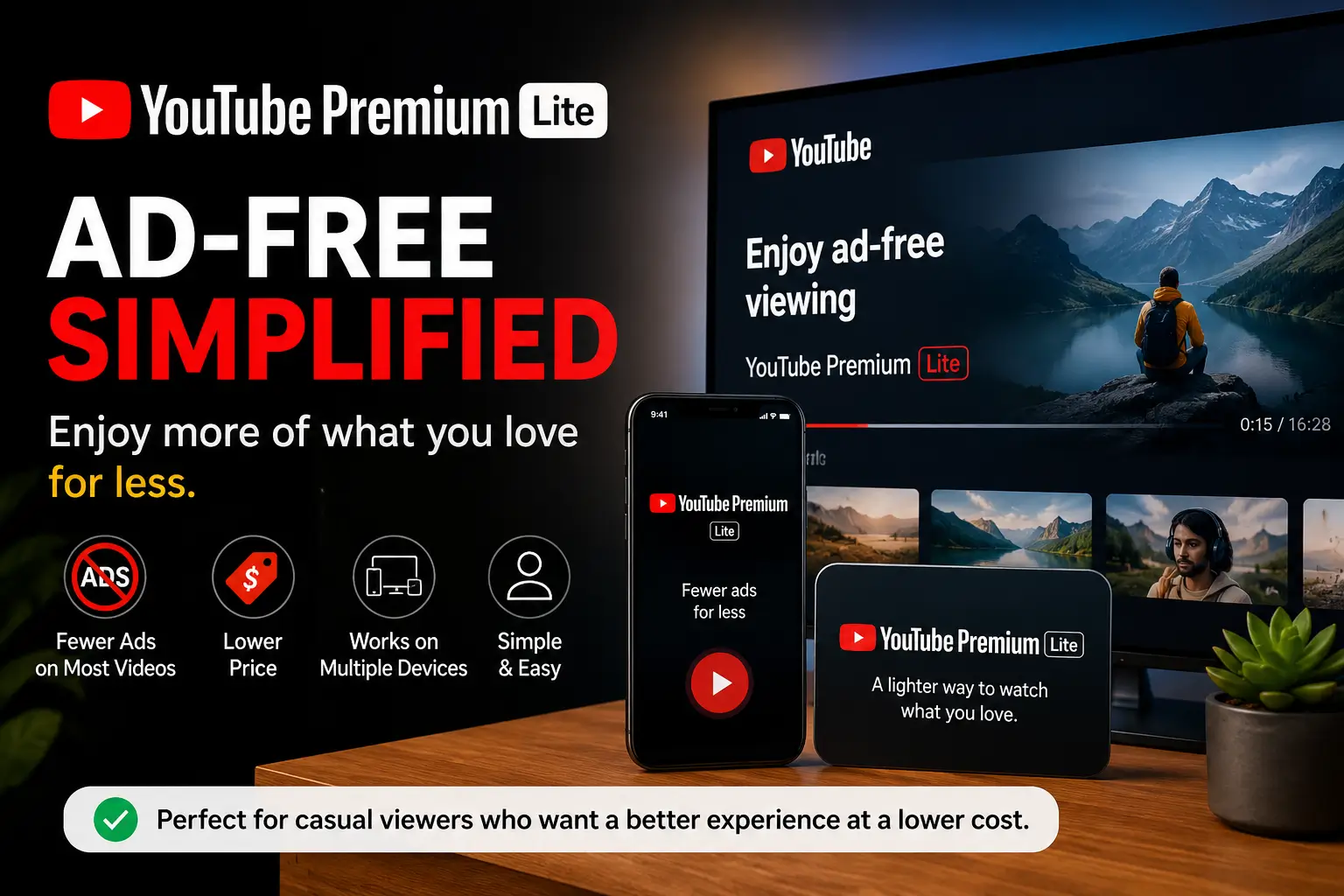
YouTube Premium Lite is becoming popular because many users want fewer ads without paying for the full YouTube Premium plan. This cheaper subscription gives a simpler viewing experience for people who mainly watch videos.
Table of Contents
What Is YouTube Premium Lite?
YouTube Premium Lite is a lower-cost version of YouTube Premium that removes ads from most YouTube videos. It is designed for users who do not need extra features like YouTube Music, offline downloads, or background playback.
Instead of paying for all premium tools, users can choose a simpler plan focused mainly on ad-free viewing.
Quick Information Table
| Feature | YouTube Premium Lite |
|---|---|
| Main Benefit | Fewer ads on videos |
| Offline Downloads | No |
| Background Play | No |
| YouTube Music Premium | No |
| Best For | Casual viewers |
| Difficulty Level | Easy to use |
| Setup Time | Less than 5 minutes |
YouTube Premium Lite Features
YouTube Premium Lite focuses on simple streaming without many interruptions.
Ad-Free Viewing on Most Videos
Users can watch many YouTube videos without regular ads appearing before or during playback.
This improves the viewing experience for tutorials, gaming videos, tech reviews, and educational content.
Lower Monthly Cost
The Lite version costs less than the full YouTube Premium subscription.
People who only want ad-free videos can save money while still improving their YouTube experience.
Easy Subscription Management
Users can subscribe or cancel directly from their Google account settings.
There are no complicated setup steps.
Available on Multiple Devices
YouTube Premium Lite works on:
- Smartphones
- Tablets
- Smart TVs
- Laptops
- Web browsers
Suggested Screenshot
- YouTube Premium Lite subscription page
- Pricing comparison screen
- Account membership settings
What YouTube Premium Lite Does Not Include
Many users confuse Lite with the full Premium plan.
Here are the missing features.
No Offline Downloads
Users cannot save videos for offline watching.
Internet access is still required.
No Background Playback
Videos stop playing when users switch apps or lock their phones.
This feature remains exclusive to full YouTube Premium.
No YouTube Music Premium
Music streaming without ads is not included.
Users who listen to music daily may still prefer the full subscription.
YouTube Premium Lite vs YouTube Premium
This comparison helps users choose the right plan.
| Feature | Premium Lite | Full Premium |
| Ad-Free Videos | Yes | Yes |
| Background Play | No | Yes |
| Offline Downloads | No | Yes |
| YouTube Music Premium | No | Yes |
| Price | Lower | Higher |
| Best For | Casual viewers | Heavy users |
Who Should Buy YouTube Premium Lite?
YouTube Premium Lite is best for people who mainly want fewer ads while watching videos.
It works well for:
- Students
- Casual viewers
- Families
- Smart TV users
- People with limited budgets
Users who regularly listen to music or multitask with background playback may prefer the full Premium plan.
Is YouTube Premium Lite Worth It?
YouTube Premium Lite is worth it for users who dislike ads but do not need advanced features.
It gives a cleaner viewing experience at a lower price.
For many casual viewers, this can be a better value than paying for the full subscription.
Common Problems With YouTube Premium Lite
Some users expect Lite to include every Premium feature.
This creates confusion after subscribing.
Ads May Still Appear in Some Content
Certain videos, music content, Shorts, or sponsored segments may still include ads.
This depends on YouTube’s policies.
Missing Background Play
Many users realize later that videos stop when they leave the app.
This is normal for the Lite plan.
Limited Availability
YouTube Premium Lite is not available in every country.
Google slowly expands support to more regions.
Suggested Screenshot
- Example of Lite membership benefits
- YouTube account billing section
- Playback settings screen
How to Subscribe to YouTube Premium Lite
The setup process is simple for most users.
Step 1: Open YouTube
Launch the YouTube app or website and sign into your Google account.
Step 2: Go to Premium Memberships
Tap your profile picture and open the “Purchases and Memberships” section.
Step 3: Choose YouTube Premium Lite
Select the Lite plan if it appears in your region.
Step 4: Complete Payment
Add your payment method and confirm the subscription.
Step 5: Start Watching
Your account updates immediately after payment.
Tips Before Buying YouTube Premium Lite
These tips help users avoid common mistakes.
- Check if Lite is available in your country
- Compare Lite and full Premium first
- Review included features carefully
- Test the plan with a free trial if available
- Make sure your devices support the latest YouTube app
Troubleshooting YouTube Premium Lite Issues
These quick fixes solve most problems.
Ads Still Showing
Try these steps:
- Restart the YouTube app
- Sign out and sign back in
- Update the app
- Verify your subscription is active
Subscription Not Appearing
This usually happens because Lite is unavailable in your region.
Users may need to wait until Google expands support.
Billing Problems
Check your:
- Payment method
- Google account region
- Subscription renewal settings
Best Alternatives to YouTube Premium Lite
Some users may want different options.
Full YouTube Premium
Best for users who need:
- Offline downloads
- Music streaming
- Background playback
Free YouTube With Ads
Good for users who rarely watch YouTube.
Music Streaming Apps
Apps like Spotify or Apple Music may better serve users focused on music listening.
Helpful Internal Guides
- Fix YouTube Buffering Issues
- Best Smart TVs for Streaming
- How to Improve WiFi Speed
- Best Streaming Devices
- YouTube TV Troubleshooting
Frequently Asked Questions
Does YouTube Premium Lite remove all ads?
No. Some sponsored content or limited ads may still appear depending on the video type and YouTube policies.
Can I download videos with YouTube Premium Lite?
No. Offline downloads are only included with the full YouTube Premium subscription.
Is YouTube Music included with Premium Lite?
No. YouTube Music Premium is not part of the Lite plan.
Can I cancel YouTube Premium Lite anytime?
Yes. Users can cancel their membership from Google account settings whenever they want.
Is YouTube Premium Lite cheaper than full Premium?
Yes. Lite costs less because it includes fewer premium features.
Does YouTube Premium Lite work on smart TVs?
Yes. It works on supported smart TVs, mobile devices, and web browsers.
Why YouTube Premium Lite Makes Sense for Many Users
YouTube Premium Lite gives casual viewers a simple and affordable way to enjoy fewer ads while watching videos. It removes many interruptions without forcing users to pay for features they may never use.
For users who mainly watch tutorials, entertainment videos, tech reviews, or educational content, YouTube Premium Lite can be a smart and budget-friendly choice.
Citations
Background Play Information: YouTube Help