

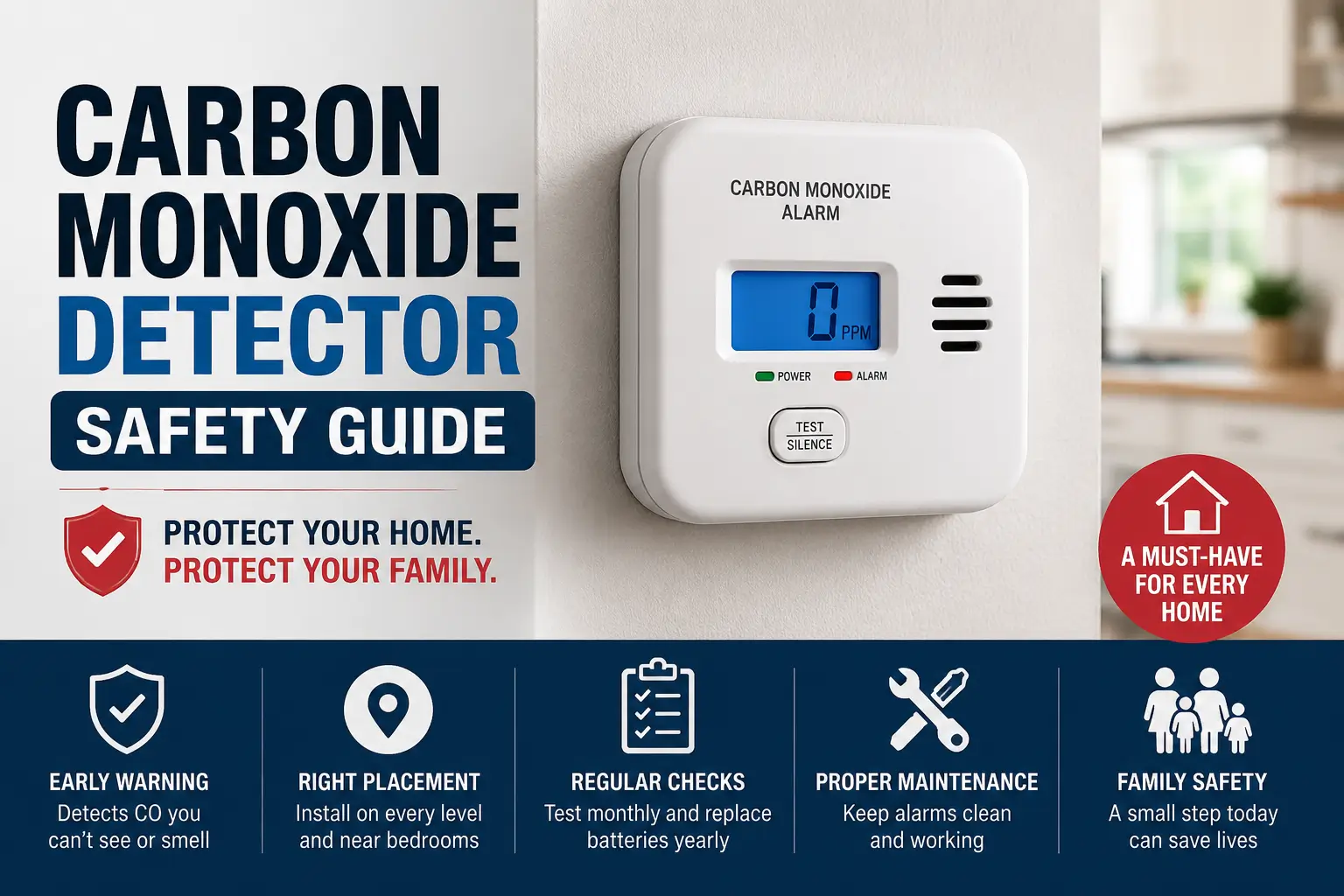
A carbon monoxide detector safety guide helps you learn where to place detectors, how to test them, and how to keep your home safe from dangerous carbon monoxide gas. A working detector can save lives and warn your family before carbon monoxide becomes harmful.
Carbon monoxide (CO) is called the “silent killer” because you cannot see it, smell it, or taste it. That is why every home should have working carbon monoxide detectors.
Table of Contents
Quick Information Table
| Topic | Details |
|---|---|
| Main Purpose | Detect dangerous carbon monoxide gas |
| Difficulty Level | Easy |
| Installation Time | About 15–30 minutes |
| Maintenance | Monthly testing and battery checks |
| Best Locations | Bedrooms, hallways, near appliances |
| Detector Lifespan | Usually 5–10 years |
| Power Options | Battery, plug-in, or hardwired |
| Safety Level | Very Important |
What Is Carbon Monoxide?
Carbon monoxide is a dangerous gas made when fuel does not burn properly. It can come from:
- Gas heaters
- Fireplaces
- Water heaters
- Gas stoves
- Generators
- Car exhaust
- Wood stoves
Too much carbon monoxide can make people very sick. Symptoms include:
- Headaches
- Dizziness
- Nausea
- Confusion
- Trouble breathing
In serious cases, carbon monoxide poisoning can be deadly.
Why Every Home Needs a Carbon Monoxide Detector Safety Guide
A carbon monoxide detector safety guide helps families avoid common mistakes. Many people install alarms in the wrong place or forget to replace batteries.
Common mistakes include:
- Ignoring warning beeps
- Using old detectors
- Installing too few detectors
- Forgetting monthly testing
- Placing alarms too close to kitchens
If you are not sure how many alarms you need, read this guide on how many carbon monoxide detectors do I need.
How Carbon Monoxide Detectors Work
Carbon monoxide detectors check the air for dangerous CO gas. If gas levels become unsafe, the alarm makes a loud sound to warn everyone inside the home.
Most detectors use special sensors that react to carbon monoxide in the air.
Types of Carbon Monoxide Detectors
| Type | What It Does |
|---|---|
| Battery-Powered | Easy to install anywhere |
| Plug-In | Plugs into a wall outlet |
| Hardwired | Connected to home wiring |
| Smart Detector | Sends alerts to your phone |
Some alarms can also detect smoke. Learn more here: do smoke detectors detect carbon monoxide
Best Places to Install Carbon Monoxide Detectors
Installing detectors in the right place helps them work better and warn you faster.
Best Places for CO Detectors
- Outside every bedroom
- Inside bedrooms
- Near garages
- On every floor
- Near fuel-burning appliances
- In hallways
Avoid These Areas
- Bathrooms
- Near windows
- Humid rooms
- Next to air vents
- Near ceiling fans
- Direct sunlight
Helpful placement guides:
- carbon monoxide detector placement
- where do I install a carbon monoxide detector
- carbon monoxide detector for bedroom
Screenshot Suggestions
- Detector installed near a bedroom
- Hallway detector placement example
- Proper wall mounting example
How to Test a Carbon Monoxide Detector
Testing your detector helps make sure it works during an emergency.
Simple Testing Steps
- Press the test button
- Wait for the alarm sound
- Check the warning lights
- Release the button
- Replace batteries if needed
Test your detector once every month.
You can also read this carbon monoxide detector user manual for more help.
Carbon Monoxide Detector Battery Safety
Dead batteries are one of the biggest reasons detectors stop working.
Battery Safety Tips
- Replace batteries every 6–12 months
- Use the correct battery type
- Never leave the battery compartment empty
- Replace weak batteries right away
- Test the alarm after changing batteries
Helpful guide: replacing batteries in carbon monoxide detector
What Does a Beeping Carbon Monoxide Detector Mean?
A beeping detector does not always mean there is carbon monoxide in your home. Different sounds can mean different problems.
Common Beep Sounds
| Beep Sound | Meaning |
|---|---|
| 4 loud beeps | Carbon monoxide detected |
| One chirp every minute | Low battery |
| Constant chirping | Detector problem |
| End-of-life warning | Time to replace detector |
More troubleshooting help:
Screenshot Suggestions
- Low battery warning light
- End-of-life detector warning
- Test button location on detector
How Long Do Carbon Monoxide Detectors Last?
Most carbon monoxide detectors last between 5 and 10 years.
Over time, the sensors become weaker and less reliable.
Signs You Need a New Detector
- Frequent false alarms
- Warning lights stay on
- Detector keeps chirping
- Test button stops working
- Detector is too old
Read more here: how long do carbon monoxide detectors last
What To Do If a Carbon Monoxide Detector Goes Off
Always take a carbon monoxide alarm seriously.
Important Safety Steps
- Leave the house immediately
- Move everyone outside
- Call emergency services
- Open windows if safe
- Wait for professionals before going back inside
Common Causes of CO Leaks
- Broken heaters
- Blocked vents
- Running generators indoors
- Car exhaust in garages
- Poor appliance maintenance
Can Carbon Monoxide Detectors Detect Natural Gas?
Many people think carbon monoxide detectors can also detect natural gas. Most standard CO detectors cannot do that.
Carbon monoxide detectors only detect carbon monoxide gas.
Learn more here: do carbon monoxide detectors detect natural gas
Carbon Monoxide Detector Maintenance Checklist
Follow this simple carbon monoxide detector maintenance checklist to keep your home safety devices working properly and protect your family from dangerous carbon monoxide leaks.
Every Month
- Test the detector
- Check batteries
- Clean dust from vents
- Check warning lights
Every Year
- Replace batteries
- Read the user manual
- Check detector locations
Every 5–10 Years
- Replace the detector completely
Common Carbon Monoxide Detector Mistakes
Many homeowners make simple carbon monoxide detector mistakes like poor placement, dead batteries, or ignoring alerts, which can reduce protection and increase safety risks.
Mistakes to Avoid
- Installing only one detector
- Ignoring chirping sounds
- Forgetting battery changes
- Using expired detectors
- Mounting detectors in bad locations
- Never testing alarms
Easy Safety Tips for Families
Simple safety habits can help protect your family, prevent accidents, and create a safer home every day.
Simple Ways to Stay Safe
- Put detectors on every floor
- Install alarms near bedrooms
- Have heating systems checked yearly
- Never use generators indoors
- Replace old detectors on time
- Keep batteries fresh
Frequently Asked Questions
How many carbon monoxide detectors should I have?
Most homes should have one detector on every floor and near bedrooms. Bigger homes may need extra detectors for better protection.
Can I place a detector on the ceiling?
Some detectors can go on ceilings, but many work best on walls. Always follow the instructions from the manufacturer.
Why does my detector chirp at night?
A chirping detector often means the battery is weak. Temperature changes at night can also trigger warning chirps.
Are plug-in carbon monoxide detectors good?
Yes, plug-in detectors work well when installed properly. Many also include battery backup during power outages.
Can kitchens cause false alarms?
Yes, detectors placed too close to kitchens may give false alarms. Cooking fumes can sometimes trigger the sensor.
Do smart carbon monoxide detectors send phone alerts?
Yes, many smart detectors can send alerts to your phone. Some also work with smart home systems.
Simple Steps to Keep Your Family Safe
This carbon monoxide detector safety guide helps families understand how to stay safe from dangerous carbon monoxide gas.
Proper detector placement, regular testing, battery replacement, and replacing old alarms can help protect everyone in your home.
Citations
Carbon Monoxide Poisoning Basics: Centers for Disease Control and Prevention (CDC)