

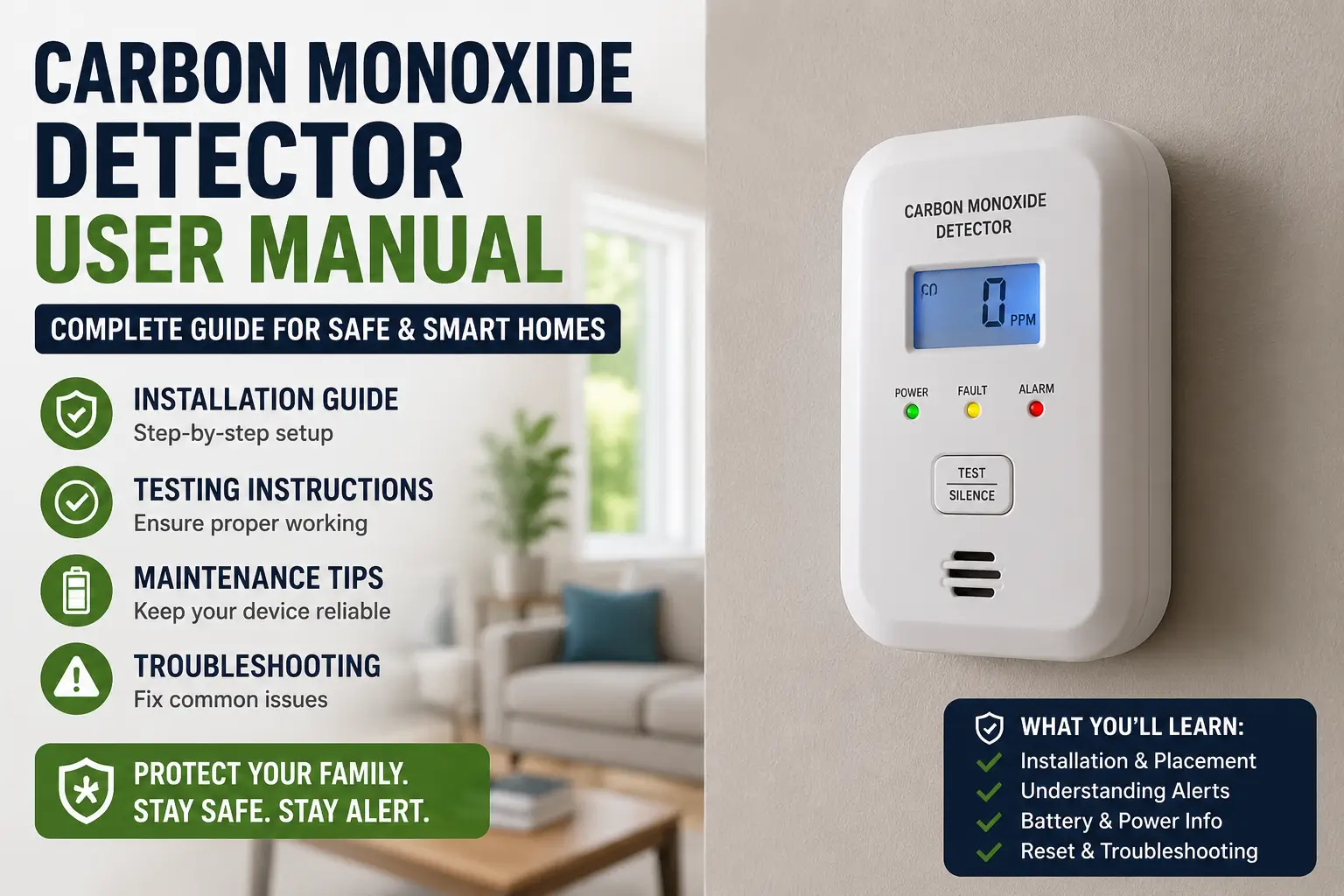
A carbon monoxide detector user manual helps you install, test, maintain, and troubleshoot your detector correctly to keep your home and family safe from dangerous carbon monoxide gas.
Carbon monoxide (CO) is called the “silent killer” because it has no smell, color, or taste. A properly installed detector can alert you before CO levels become dangerous.
Quick Information Table
| Feature | Details |
|---|---|
| Device Type | Carbon monoxide detector |
| Main Purpose | Detect harmful CO gas |
| Difficulty Level | Easy to Moderate |
| Setup Time | 10–20 minutes |
| Power Source | Battery or hardwired |
| Maintenance | Monthly testing |
| Best Installation Area | Near bedrooms and hallways |
| Lifespan | Usually 5–10 years |
Table of Contents
What Is a Carbon Monoxide Detector?
A carbon monoxide detector is a safety device that monitors the air for dangerous levels of carbon monoxide gas. It sounds an alarm when unsafe levels are detected.
These detectors are commonly installed in:
- Bedrooms
- Hallways
- Living rooms
- Basements
- Near fuel-burning appliances
Common CO sources include:
- Gas heaters
- Furnaces
- Fireplaces
- Generators
- Gas stoves
- Attached garages
Why Reading the Carbon Monoxide Detector User Manual Matters
Many homeowners install detectors incorrectly or ignore maintenance instructions. Reading the manual helps you:
- Install the detector properly
- Understand alarm sounds
- Replace batteries correctly
- Learn reset procedures
- Know when to replace the unit
- Avoid false alarms
A user manual also explains safety warnings that many people miss.
Carbon Monoxide Detector User Manual Installation Guide
A carbon monoxide detector user manual usually includes exact installation instructions for your model. Following them carefully improves accuracy and safety.
Choose the Right Location
Install detectors:
- Outside sleeping areas
- On every floor
- Near attached garages
- At least 15 feet from fuel-burning appliances
Avoid placing detectors:
- Near windows
- In humid bathrooms
- Above stoves
- Near air vents
Install the Batteries
Most detectors use AA or 9V batteries.
Steps:
- Open the battery compartment
- Insert batteries correctly
- Close the cover securely
- Wait for startup beep
Some models have sealed 10-year batteries.
Mount the Detector
Use the included screws or adhesive plate.
Mounting tips:
- Place wall-mounted units at eye level
- Ceiling units should be centered
- Keep away from direct sunlight
Test the Device
Press the Test button for several seconds.
A loud alarm confirms the detector works properly.
Understanding Carbon Monoxide Detector Beep Patterns
Different beep sounds mean different things. Your manual explains these alarm patterns clearly.
| Beep Pattern | Meaning |
|---|---|
| 4 beeps + pause | Carbon monoxide detected |
| 1 chirp every minute | Low battery |
| 5 chirps every minute | Replace detector |
| Continuous alarm | Emergency warning |
If your detector sounds 4 rapid beeps:
- Move outside immediately
- Call emergency services
- Do not re-enter until safe
How to Test Your Carbon Monoxide Detector
Testing ensures your detector works during emergencies.
Monthly Testing Steps
- Press and hold the Test button
- Wait for alarm sound
- Check indicator lights
- Confirm all connected alarms respond
If no sound occurs:
- Replace batteries
- Clean dust buildup
- Reset the device
How to Reset a Carbon Monoxide Detector
Resetting fixes many common issues after alarms or battery replacement.
Basic Reset Method
- Remove batteries
- Unplug unit if hardwired
- Hold Test button for 15 seconds
- Reinstall power source
- Test again
Some brands may use different reset procedures.
Common Carbon Monoxide Detector Problems
Many detector issues are simple to fix at home.
Detector Keeps Chirping
Possible causes:
- Low battery
- Expired detector
- Dust inside sensor
- Power interruption
Quick fix:
- Replace batteries first
- Clean vents gently
- Reset device
False Alarms
False alarms may happen due to:
- High humidity
- Steam
- Nearby appliances
- Poor ventilation
Move the detector if false alarms continue.
Detector Will Not Stop Beeping
If resetting does not work:
- Check expiration date
- Replace the detector
- Inspect wiring connections
Maintenance Tips for Long-Term Safety
Proper maintenance improves detector performance.
Monthly Tasks
- Test the alarm
- Inspect indicator lights
- Remove dust buildup
Every 6 Months
- Vacuum air vents
- Check battery condition
- Review manufacturer instructions
Replace the Detector on Time
Most detectors last:
- 5 years
- 7 years
- 10 years
Check your user manual for the exact lifespan.
Best Places to Install Carbon Monoxide Detectors
Correct placement improves detection speed.
Recommended Locations
- Outside bedrooms
- Basement areas
- Near furnaces
- Attached garages
Areas to Avoid
- Kitchens
- Bathrooms
- Laundry rooms
- Direct sunlight areas
Battery vs Hardwired Carbon Monoxide Detectors
| Feature | Battery Powered | Hardwired |
|---|---|---|
| Installation | Easier | More complex |
| Backup Power | Battery only | Battery backup |
| Maintenance | Frequent battery changes | Less maintenance |
| Cost | Lower | Higher |
Battery-powered models work well for apartments and small homes.
Hardwired systems are common in larger homes.
Important Safety Tips
Never Ignore an Alarm
Even if you think it is false, leave the home immediately until the air is tested.
Replace Batteries Regularly
A dead battery can prevent alerts during emergencies.
Install Multiple Detectors
One detector may not cover the entire home effectively.
Follow Manufacturer Instructions
Different brands may have unique setup steps.
Troubleshooting Carbon Monoxide Detector Issues
Problem: Detector Not Turning On
Solutions:
- Check battery orientation
- Confirm outlet power
- Replace old batteries
Problem: Frequent False Alarms
Solutions:
- Improve ventilation
- Move detector location
- Keep away from appliances
Problem: Weak Alarm Sound
Solutions:
- Replace batteries
- Clean speaker openings
- Replace aging detector
Frequently Asked Questions
How often should I test a carbon monoxide detector?
Test your detector once every month. Regular testing ensures the alarm works properly during emergencies.
Can carbon monoxide detectors expire?
Yes. Most detectors expire after 5 to 10 years depending on the manufacturer and sensor type.
Where should I avoid placing a carbon monoxide detector?
Avoid kitchens, bathrooms, windows, and heating vents. These areas may cause false alarms or reduce accuracy.
Why is my carbon monoxide detector chirping?
A chirping sound usually means low battery or device expiration. Check the manual for your model’s beep codes.
Do I need a detector on every floor?
Yes. Safety experts recommend installing detectors on every level of your home for full protection.
Can I install a carbon monoxide detector myself?
Yes. Most battery-powered models are simple to install using the included instructions and mounting hardware.
Stay Safe With Proper Carbon Monoxide Detector Maintenance
A carbon monoxide detector user manual is more than just an instruction booklet. It helps you install, maintain, test, and troubleshoot your detector correctly so your home stays protected from dangerous carbon monoxide exposure.
Always follow the manufacturer’s guidelines, test your detector monthly, and replace expired units on time. A properly maintained detector can save lives.
Citations
Carbon Monoxide Detector User Manual: Kidde Plug-In Alarm